
The POS system for Indonesian food businesses
Checkout, kitchen, inventory, and bookkeeping. All in one system.
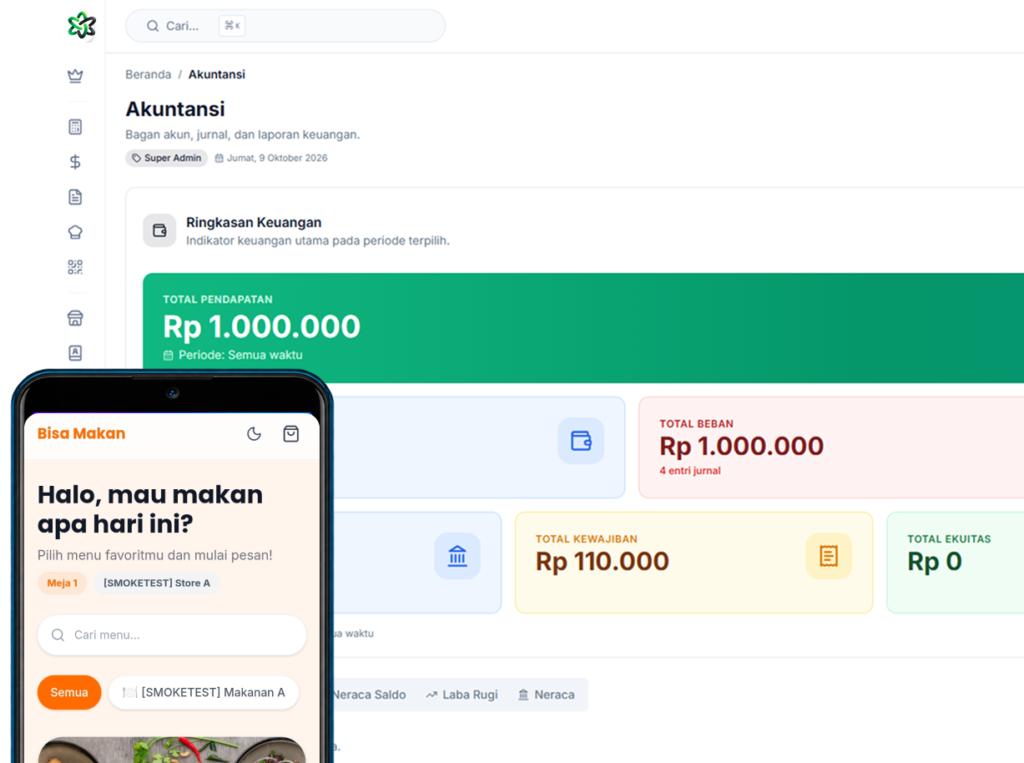
Juragan Kasir helps food stalls, cafés, and restaurants sell faster, stop ingredient leaks, and see profit and loss every day. No more manual tallies in a notebook or Excel.
Problems that happen every day
Sound familiar?
Rush hour, long queues
The cashier panics, miscounts, rings up the wrong price. Customers who wait too long walk next door.
Ingredients run out at peak time
You only find out when the kitchen shouts. Menu items go unavailable right when the place is packed.
The cash drawer doesn't add up
At closing the cash is off, and nobody knows which transaction or whose shift caused it.
What's the real profit?
Revenue is visible, but ingredient costs and daily expenses are scattered. Net profit is a guess.
Juragan Kasir was built to fix all four at once, in one connected system.
How it works
One flow, from order to books
Every transaction automatically notifies the kitchen, deducts stock, and posts to the books. Nothing gets typed twice.
Customer orders
At the counter, or by scanning the table QR code and ordering from their own phone.
Kitchen receives
Orders appear instantly on the kitchen display (KDS), with a status for every item.
Stock is deducted
Ingredients are deducted automatically per serving based on the recipe, at each outlet.
Cashier takes payment
Cash, QRIS, e-wallet, or card. Split bills supported, totals calculated by the system.
Books stay current
Journals, shift reports, and profit and loss build themselves from daily transactions.
Enter it once, everyone knows.
Key features
Everything a food business needs, already connected
From the checkout screen to the balance sheet, every module is connected. Use what you need today; the rest is ready whenever your business grows.
Fast checkout at your busiest hour
Search the menu or scan a barcode, hold orders, split bills, keyboard shortcuts, and thermal receipts.
Explore checkout →Customers order from their table
Scan the QR code, pick from the menu, track the order, and call a waiter. No app to install.
Explore QR ordering →The kitchen knows what to cook
Orders organized by table on the kitchen display, with per-item status, replacing paper tickets that go missing.
Explore the kitchen display →Ingredients deducted per serving
Recipe/BOM per menu item, visible cost of goods, stock counts, adjustments, and warehouse transfers.
Explore inventory & recipes →Every ingredient purchase on record
Purchase orders, goods receipts, returns, supplier payables, and supplier performance.
Explore purchasing →See profit and loss every day
X/Z reports per shift, cash flow, expenses, automatic journals, profit and loss, and balance sheet.
Explore finance →Why Juragan Kasir
Built so the numbers on screen can be trusted
Most POS apps just record. Juragan Kasir also protects: prices, payments, cash, and access are controlled by the system, so you can step back without worrying.
See how it worksWho it's for
Fits food businesses of any size
Food Stalls, Meatball & Noodle Shops
The lunch rush explodes and the broth runs out fast. Quick checkout plus recipe-based deductions keep everything visible.
See the solution →Cafés & Coffee Shops
Lots of drink variants and loyal regulars. Item options, memberships, points, and promos keep them coming back.
See the solution →Dine-in Restaurants
Table orders get mixed up and split bills are a hassle. Table QR codes, the kitchen display, and a table map make service smoother.
See the solution →Multi-branch & Central Kitchens
Per-branch pricing, warehouse stock transfers, production, and consolidated reports from one account.
See the solution →Two options
Ready to use, or built for you
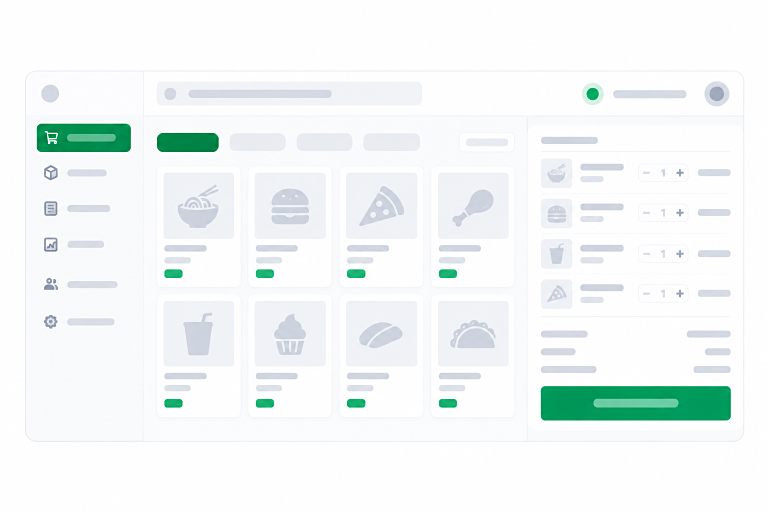 Juragan Kasir POS
A ready-to-use POS app
Every standard feature a food business needs, live today. Ideal if you want to get started without the hassle.
See pricing plans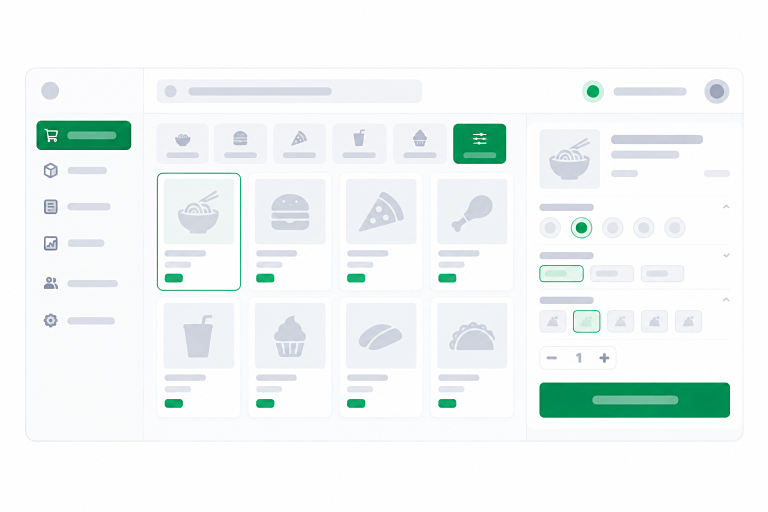 Custom POS
Shaped around your workflow
Order flows, reports, integrations, and access rights built specifically for you, on top of the proven Juragan Kasir foundation.
Discuss your needsFAQ
Still have questions?
If the answer isn't here, just ask. Our team answers in plain language, not technical jargon.
Ask our teamWhat is Juragan Kasir?
A POS system for food businesses that brings checkout, QR ordering, the kitchen display, inventory & recipes, purchasing, and bookkeeping together in one browser-based app.
Do I need to install an app or buy special hardware?
No installation needed. Juragan Kasir runs in the browser on a laptop, PC, or tablet. Receipts print to a thermal printer, and customers order via QR on their own phones.
Which payment methods can be recorded?
Cash, QRIS, e-wallet, and card, each with a reference number for easy reconciliation. The money still goes through your own QRIS or EDC terminal; Juragan Kasir records and reconciles it all.
Can I use it for more than one outlet?
Yes. One business account covers many stores and warehouses, with prices, stock, and reports per outlet or combined. Each employee's access can be limited to specific stores.
What if the internet goes down?
Juragan Kasir runs online so every register and outlet stays in sync, so it needs a stable internet connection. We recommend keeping a backup connection, such as a phone hotspot.
How do I get started?
Book a free demo. We'll walk you through the flow using your menu and the way your business runs, then help you set up until you're ready to sell.
Ready to see Juragan Kasir at work in your business?
Free demo, no commitment. We'll show you the flow using your own menu and way of working.